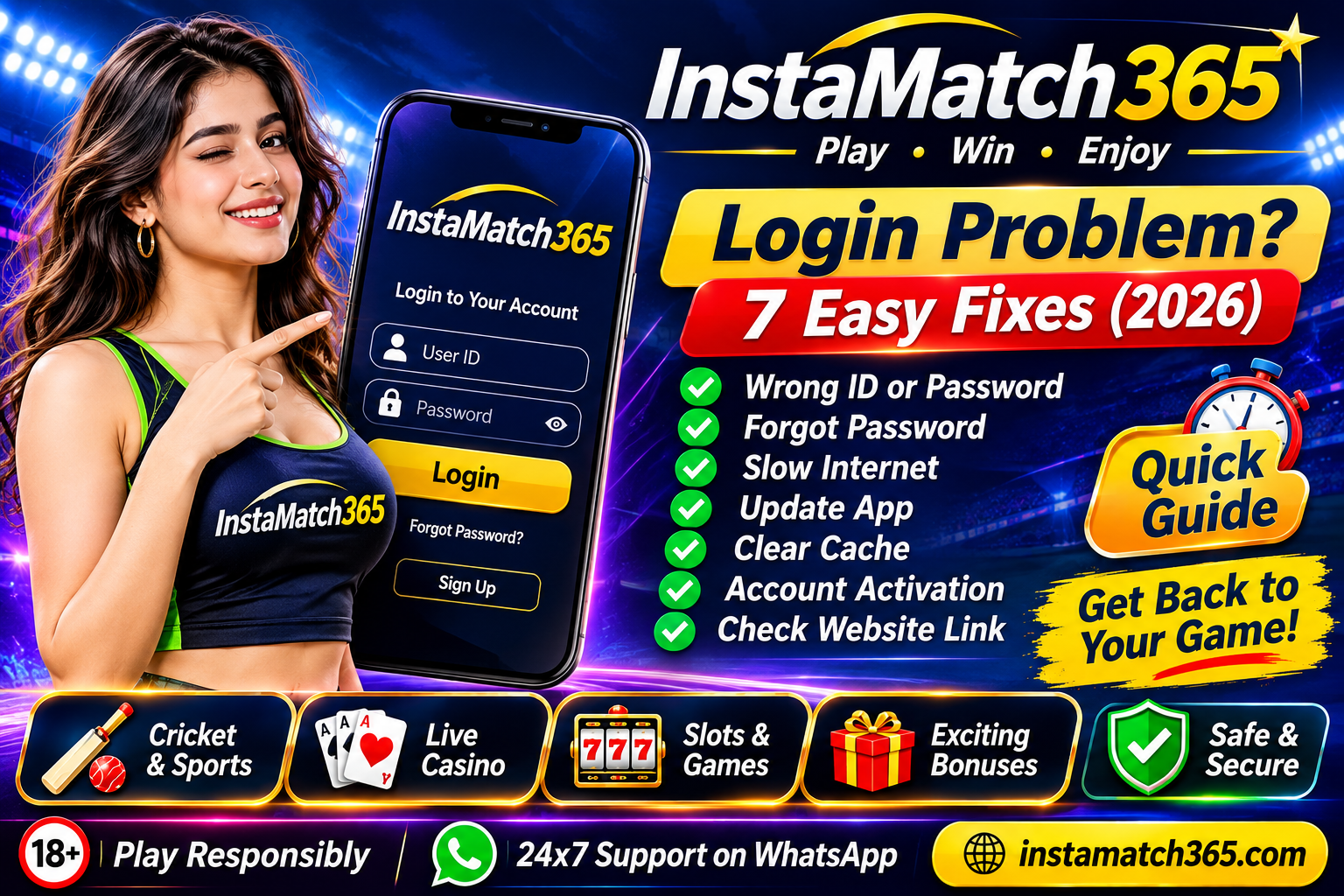
Quick answer: Most Instamatch365 login problems come from seven causes: a mistyped ID or password, a forgotten password, a slow or unstable internet connection, an outdated app, saved browser data (cache) causing errors, an account that has not been activated yet, or typing the wrong website address. Check each one in the order below, and if the problem continues, message support on WhatsApp, which is available 24 hours a day, 7 days a week.
If you cannot log in to Instamatch365, you are not alone. This 2026 guide explains the 7 most common Instamatch365 login problems and gives a simple fix for each one. It is written for adult users (18+) of the Instamatch365 app and game, also searched as Insta Match Live.
What Is Instamatch365?
Instamatch365 is an online gaming and sports platform for adults aged 18 and above. Users sign in with an ID to reach the app, the game and sports coverage such as cricket, football and tennis. Account requests, including getting a new ID, are handled through WhatsApp support. This page is an information website about the platform and its login process.
How Instamatch365 Login Normally Works
- Get your ID by messaging support on WhatsApp.
- Open the Instamatch365 login page or the app.
- Enter your ID and password exactly as given.
- Tap or click Login.
If any of these steps fail, use the fixes below.
7 Common Instamatch365 Login Problems and Easy Fixes
1. Wrong ID or Password
Problem: The page says the ID or password is incorrect.
Fix:
- Check capital and small letters. Passwords are case-sensitive.
- Make sure there is no extra space before or after what you type, which often happens when you copy and paste.
- Check that you are typing the letter "O" and the number "0", and the letter "l" and the number "1", correctly.
- Type the password manually once instead of pasting it.
2. Forgotten Password
Problem: You no longer remember your password.
Fix: Do not keep guessing. Message support on WhatsApp, share your ID, and ask for a password reset. Never share your password with anyone, including people who say they are from support.
3. Slow or Unstable Internet Connection
Problem: The login page keeps loading, freezes or shows an error.
Fix:
- Switch between Wi-Fi and mobile data and try again.
- Turn flight mode on for 10 seconds, then off.
- Move to a place with a stronger signal.
- Restart your router if the problem is on Wi-Fi.
4. Outdated or Broken App
Problem: The Instamatch365 app does not open, closes by itself or does not accept the login.
Fix:
- Close the app fully and open it again.
- Restart your phone.
- Ask WhatsApp support for the latest app link and install the newest version.
- Check that your phone has enough free storage.
5. Saved Browser Data (Cache) Causing Errors
Problem: The login works for others but not in your browser.
Fix:
- Clear your browser cache and cookies, then reload the page.
- Open the page in a private or incognito window.
- Try a different browser, such as Chrome or Firefox.
- Turn off extensions that block scripts, then try again.
6. Account Not Activated Yet
Problem: You registered or asked for an ID, but the login does not work.
Fix: New IDs can take a short time to be set up. Wait a few minutes, then try again. If it still fails, send your ID to WhatsApp support and ask them to confirm that it is active.
7. Wrong Website Address or Spelling
Problem: The page you reach looks different, does not load or does not recognise your ID.
Fix: People often search for the platform with spelling mistakes such as "instamart 365", "insta mach 365" or "instamach 360". Type the address carefully, or open this site and use the Login link. Do not enter your ID or password on a page you do not trust, and avoid links sent by strangers.
Quick Checklist Before You Contact Support
- Is your internet working on other apps?
- Did you type the ID and password without spaces and with the correct capitals?
- Have you updated or reinstalled the app?
- Have you cleared the browser cache or tried another browser?
- Are you opening the correct website address?
If you answered yes to all of these and still cannot log in, contact support on WhatsApp. Keep your ID ready, and describe the error message you see or send a screenshot, without your password in it.
Login Safety Tips
- Never share your password, OTP or ID details with anyone.
- Use a strong password that you do not use on other sites.
- Log out when using a shared or public device.
- Use only the contact details shown on this website for support.
- Be careful with unknown links or offers sent through chat or social media.
Responsible Gaming Reminder
Instamatch365 is for adults aged 18 and above only, and online gaming may be restricted in some Indian states. Check the rules where you live before you play. Set a budget, take regular breaks and never play with money you cannot afford to lose. Read our Responsible Gaming page for more.
Frequently Asked Questions About Instamatch365 Login
Why can't I log in to Instamatch365?
The most common reasons are a mistyped ID or password, a weak internet connection, an outdated app or saved browser data. Work through the 7 fixes above, then contact WhatsApp support if the problem continues.
How do I reset my Instamatch365 password?
Message support on WhatsApp, share your ID and ask for a password reset. Do not share your current password with anyone.
Why is the Instamatch365 app not opening?
The app may be outdated, your phone may be low on storage or your connection may be unstable. Restart the phone, update or reinstall the app, and check your internet.
Is Insta Match Live the same as Instamatch365?
People use "Insta Match Live" as another way to search for the Instamatch365 platform. Common misspellings include instamart 365, insta mach 365 and instamach 360.
How long does it take for a new ID to start working?
It can take a few minutes after support creates it. If it still does not work after that, send your ID to WhatsApp support to check it.
Is Instamatch365 support available at night?
Yes. Support on WhatsApp is available 24 hours a day, 7 days a week.
Who can use Instamatch365?
Only adults aged 18 and above, in places where online gaming is legally allowed.
Conclusion
Most Instamatch365 login problems are easy to solve. Check your ID and password, your internet, your app version, your browser and the website address, in that order. If nothing works, contact WhatsApp support with your ID ready. You can also read our guide on how to use the Instamatch365 app or go straight to the Instamatch365 login page.